

Install Minimal
Linux
Requirements
- x86_64 or aarch64 architecture
- Kernel support for user namespaces (most modern distributions)
Install
shell
curl --proto "=https" --tlsv1.2 -fsSL https://go.minimal.dev/install.sh | shVerify
shell
minimal --versionIf installed correctly, it will provide you with the version.
macOS
Minimal on macOS runs inside a lightweight VM using Apple's Containerization framework, which can be found on their GitHub.
Requirements
- macOS Tahoe 26.2 or later
- Apple Silicon (M1, M2, M3, M4). Intel Macs are not supported
- The Apple
containerCLI (see below)
Install
Step 1: Install the Apple container CLI
If it isn't already on your machine, download the signed installer package from the latest release on GitHub:
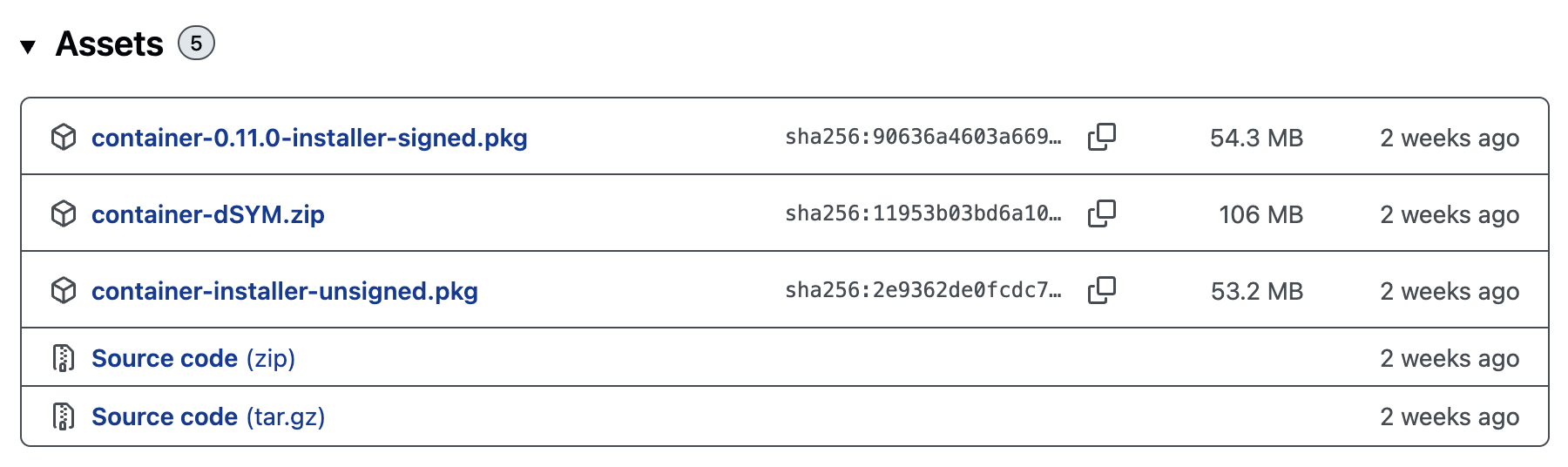
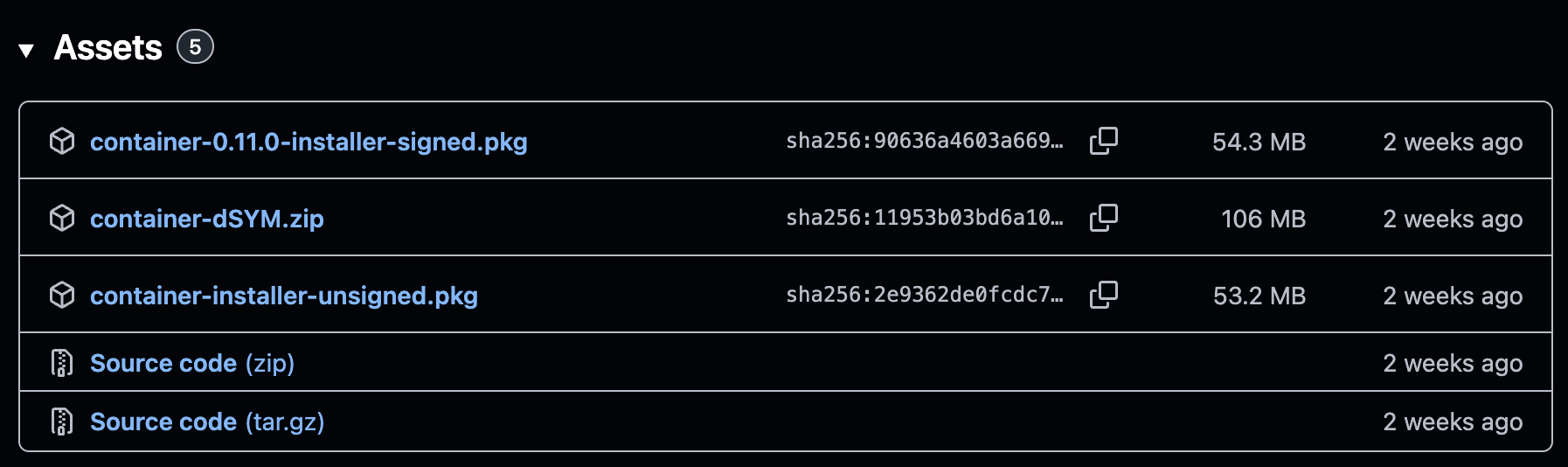
Download container-<version>-installer-signed.pkg and run the installer. Verify it's working:
shell
container --versionStep 2: Install Minimal
Copy and paste the following into your terminal:
shell
curl --proto "=https" --tlsv1.2 -fsSL https://go.minimal.dev/install.sh | shVerify
shell
minimal --versionIf installed correctly, it will provide you with the version.